




























Self-hosted library and download manager.
Organizes your movies and TV shows, downloads missing releases, and streams directly to Mydia Player.
What Mydia Server does
Library management, release monitoring and remote streaming in a single container.
Library and metadata
Scans your movie and TV directories and fetches posters, descriptions and episode details from TMDB and TVDB.
Automated downloads
Monitors missing movies and episodes, downloads matching releases, and upgrades files according to your quality profile.
Download clients and indexers
Connects to qBittorrent, Transmission, SABnzbd, NZBGet, Prowlarr, Jackett and debrid providers.
Multi-user and requests
Supports admin and guest accounts, a media request approval workflow, and single sign-on.
Peer-to-peer remote access
Streams to Mydia Player outside your home network without port forwarding or a VPN.
File or UI configuration
Configure download clients, indexers and libraries in the web UI, a YAML file or environment variables.
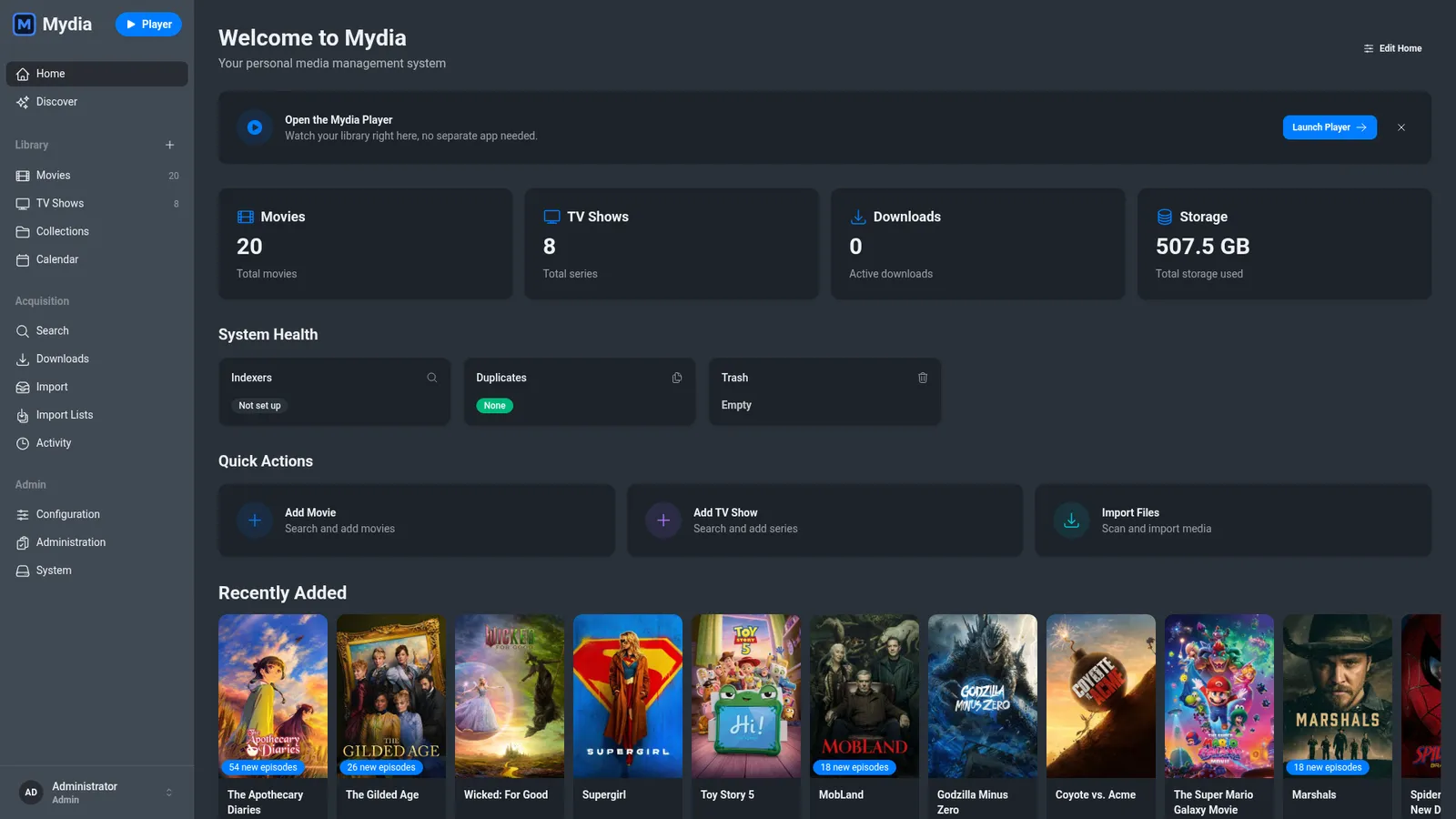
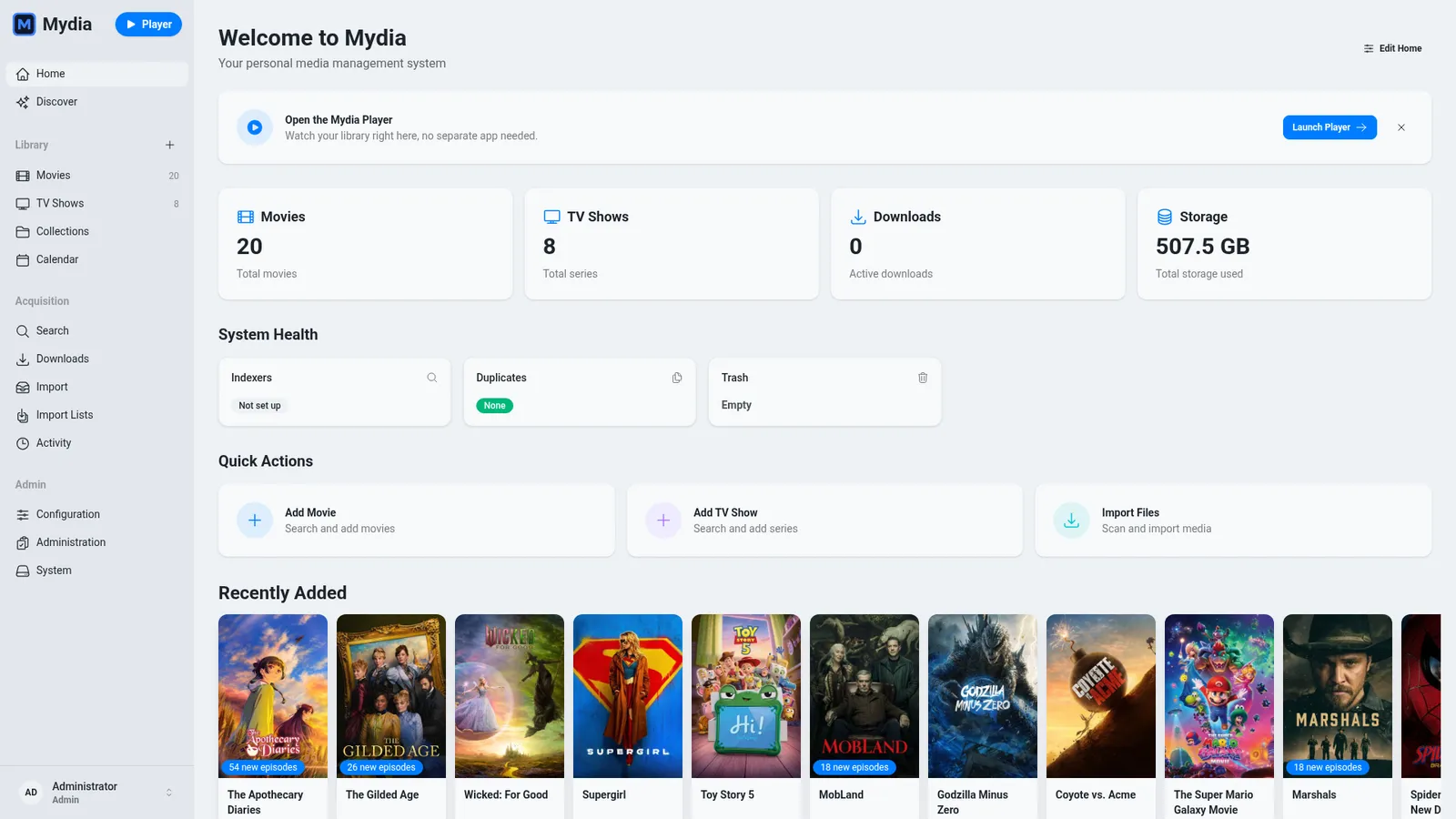
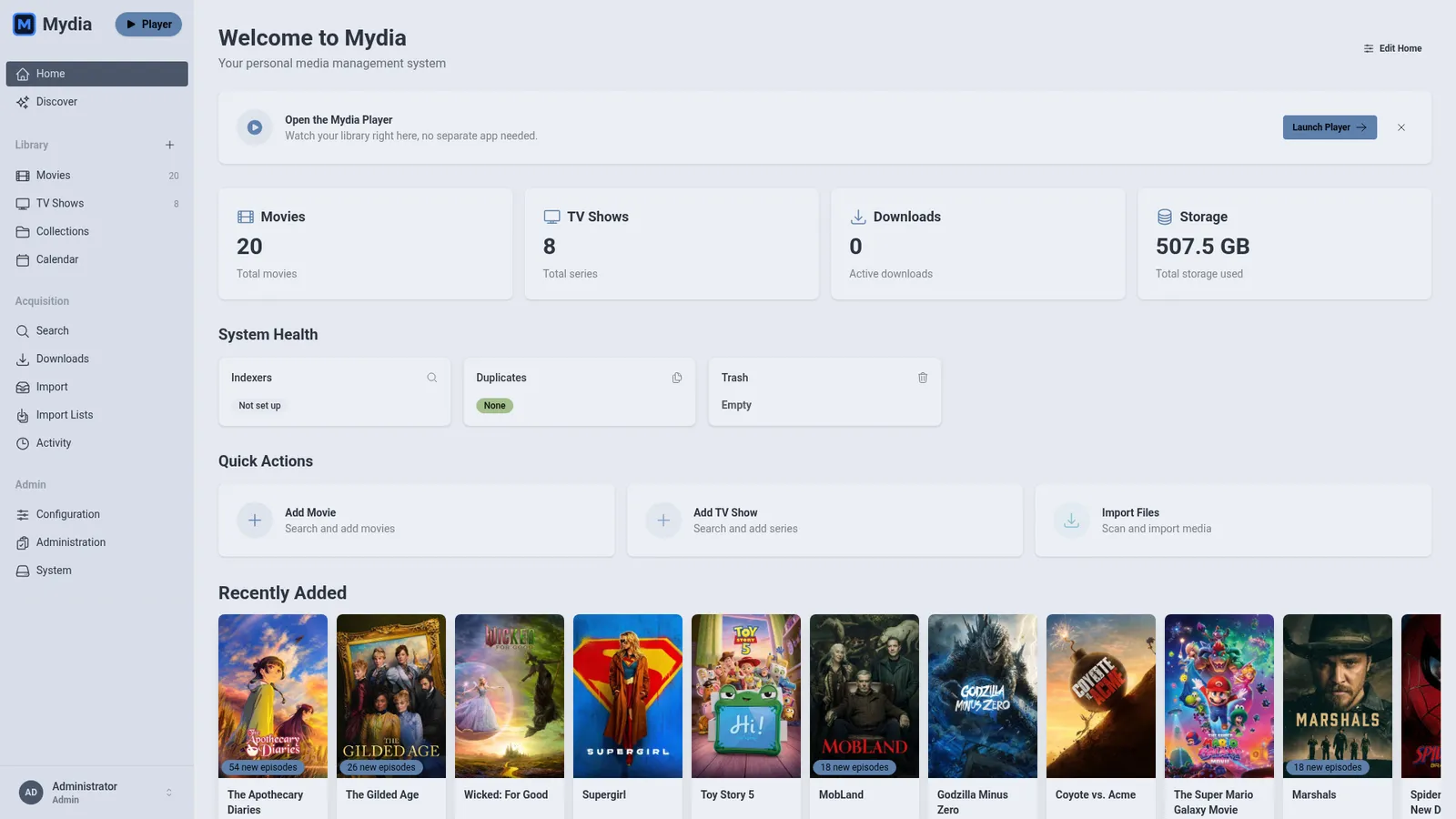
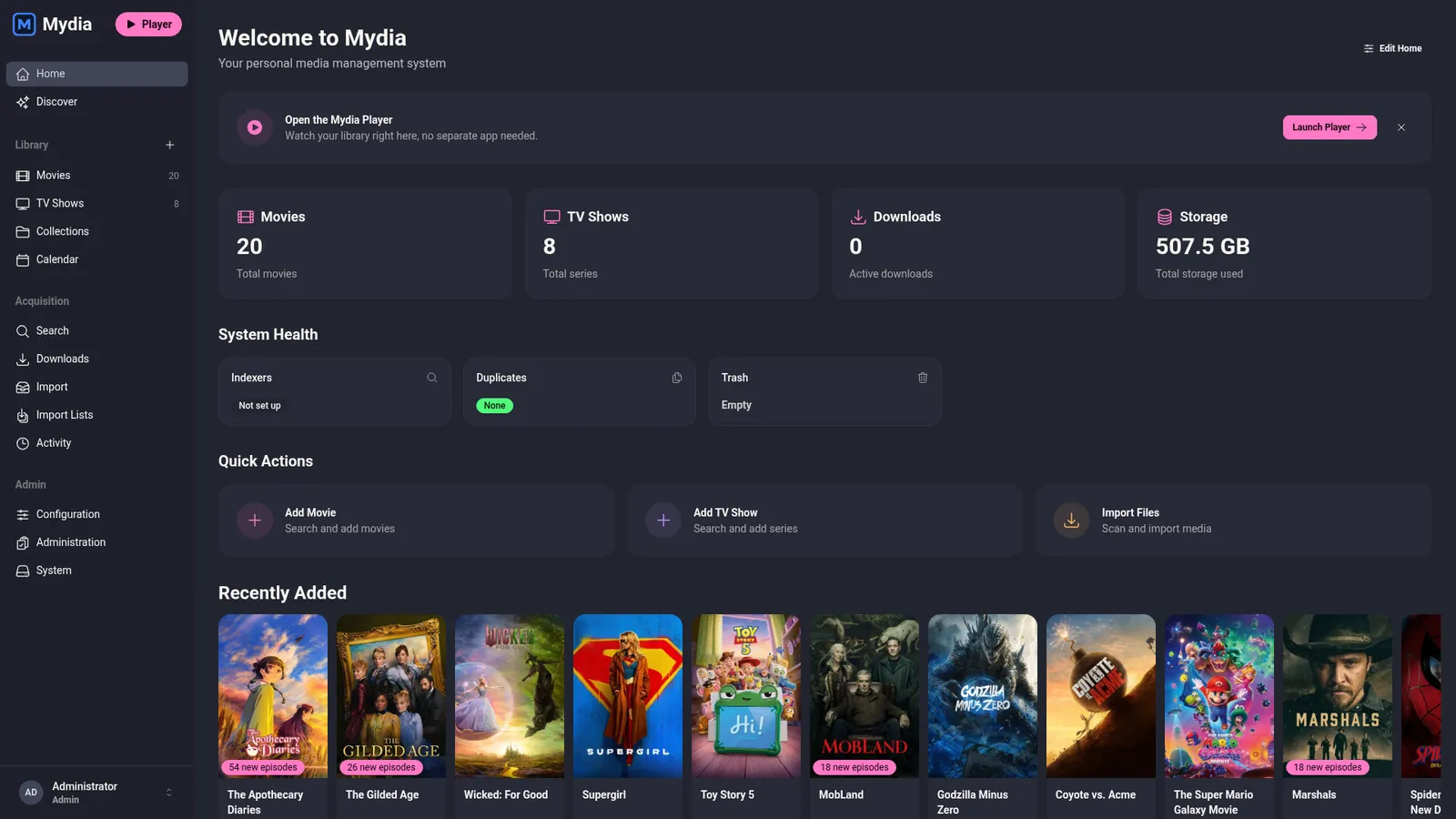
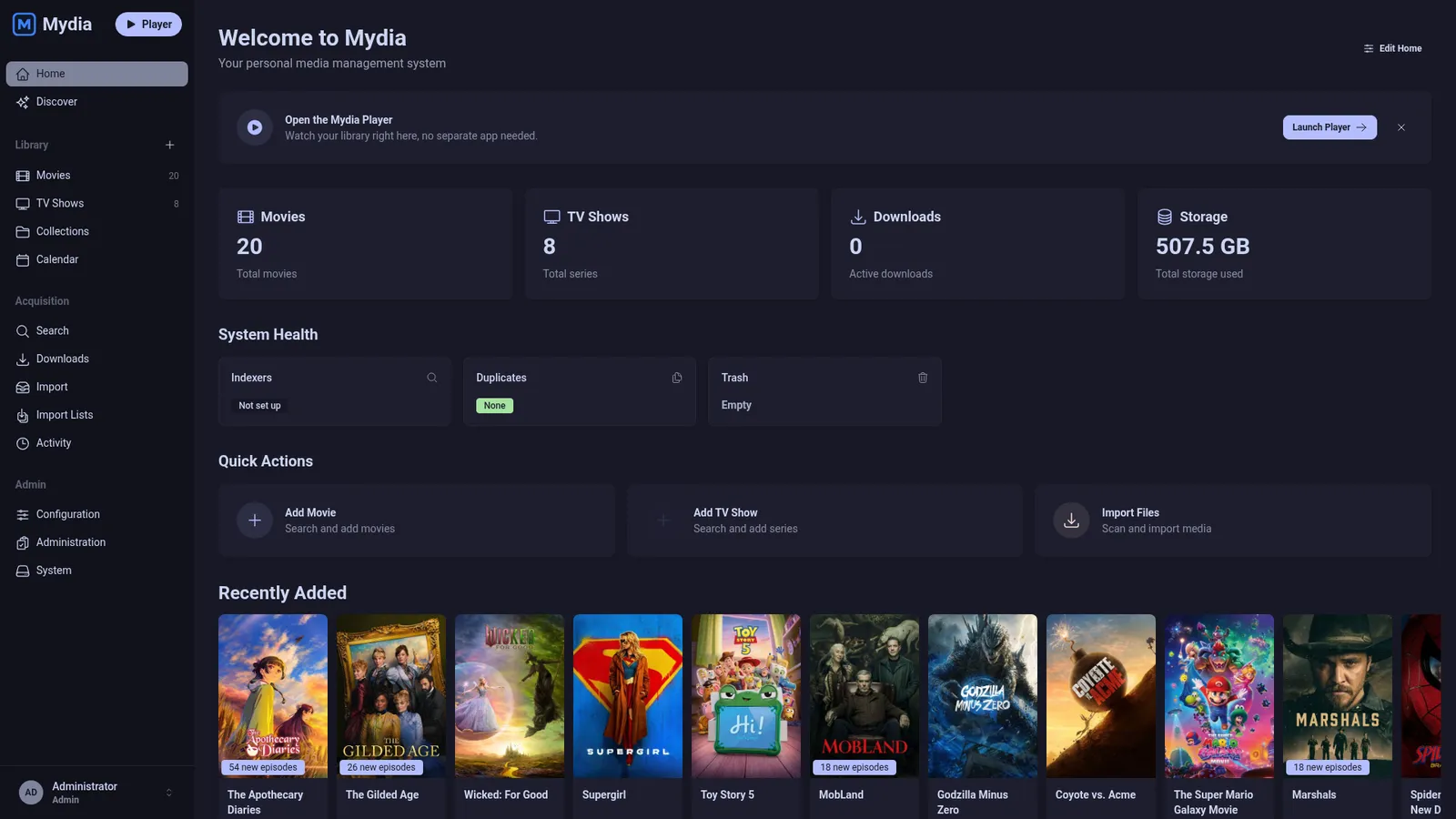
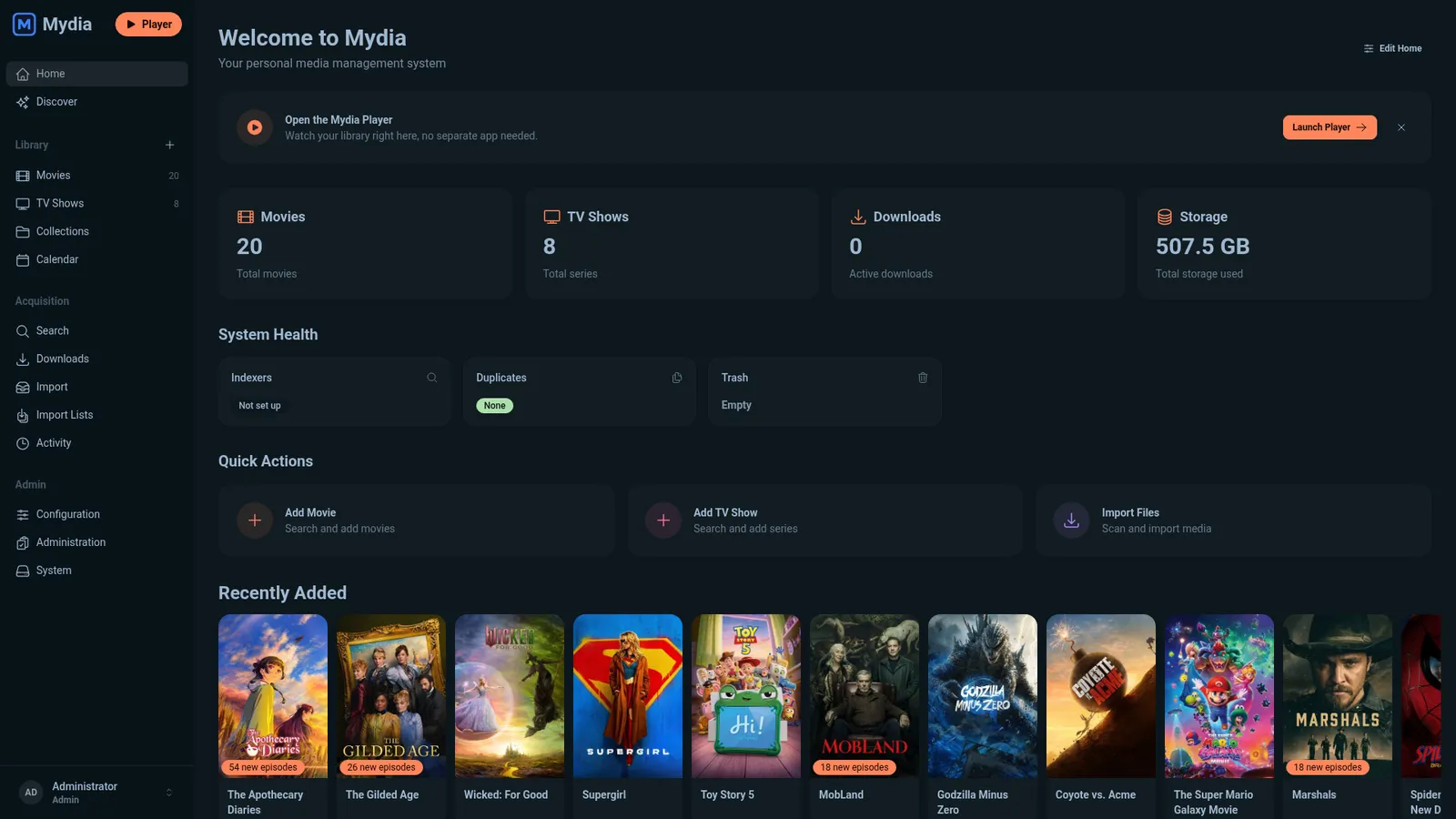
Web interface
Dashboard, movie and TV libraries, and release calendar.
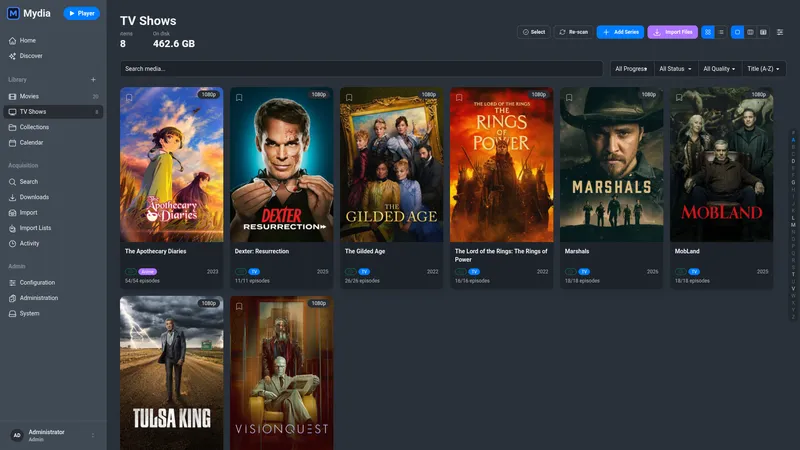
TV Shows
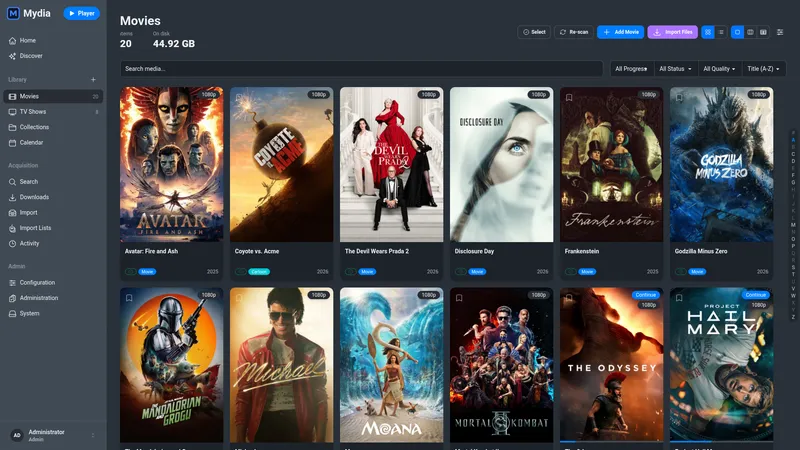
Movies
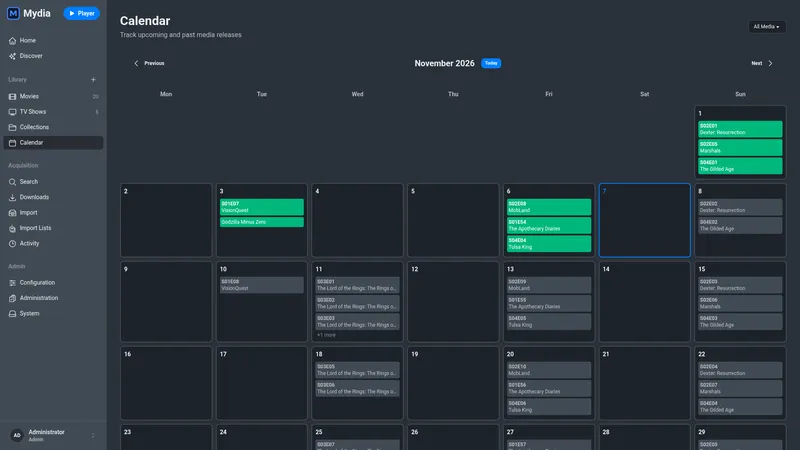
Calendar
14 themes, light and dark, or follow your system
Install with Docker Compose
Mydia Server runs as a single container with SQLite included.
- 1
Generate secret keys
Run openssl rand -base64 48 twice, once for SECRET_KEY_BASE and once for GUARDIAN_SECRET_KEY.
- 2
Create docker-compose.yml
Save the Compose file below as docker-compose.yml, paste both secret keys into it, and set the media volume path to your library directory.
- 3
Start Mydia Server
Run docker compose up -d, then open http://localhost:4000 to create your admin account.
services:
  mydia:
    image: ghcr.io/getmydia/mydia:latest
    container_name: mydia
    environment:
      - PUID=1000
      - PGID=1000
      - TZ=America/New_York
      - SECRET_KEY_BASE=your-secret-key-base-here
      - GUARDIAN_SECRET_KEY=your-guardian-secret-key-here
      - PHX_HOST=localhost
      - MOVIES_PATH=/media/library/movies
      - TV_PATH=/media/library/tv
    volumes:
      - ./config:/config
      - /path/to/media:/media
    ports:
      - 4000:4000
    restart: unless-stopped
Use Mydia Player to watch your library on phone, tablet, TV and desktop.
Learn about Mydia Player